


Listening & appearance
Display & scaling
Adjust YouTube Music zoom while keeping app controls readable.
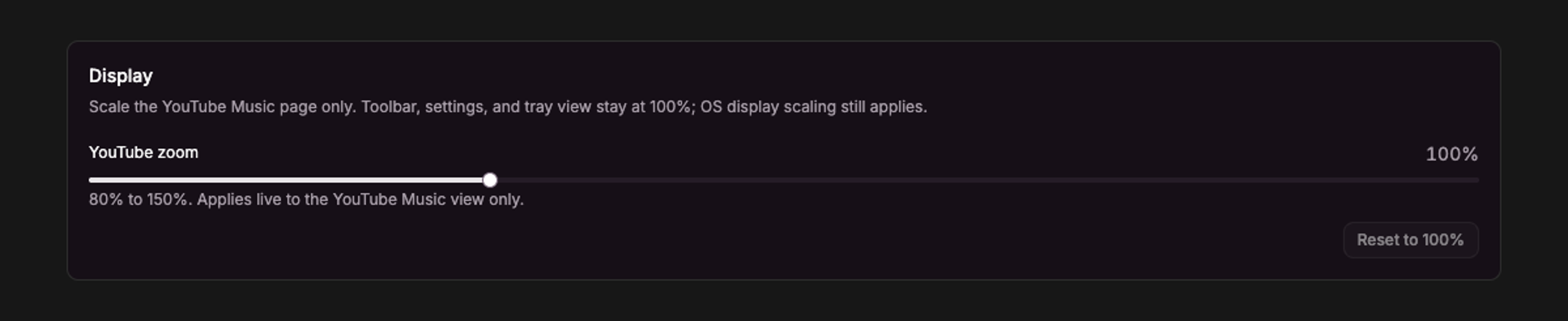
Current UI captured in an isolated session with sample data.
Open Settings → Appearance → Display and adjust YouTube zoom from 80% to 150%, in 5% steps. Changes apply immediately to the YouTube Music view. Choose Reset to 100% to restore the default.
Toolbar, Settings, and tray view keep their normal size. Your operating system’s display scaling still applies to the app.
On a high-DPI display, use your preferred system scale. If the app feels sluggish or has rendering problems, check Disable Hardware Acceleration under Generic; changing it requires a restart.