


Listening & appearance
Tray view
Quick playback controls from the system tray or menu bar.
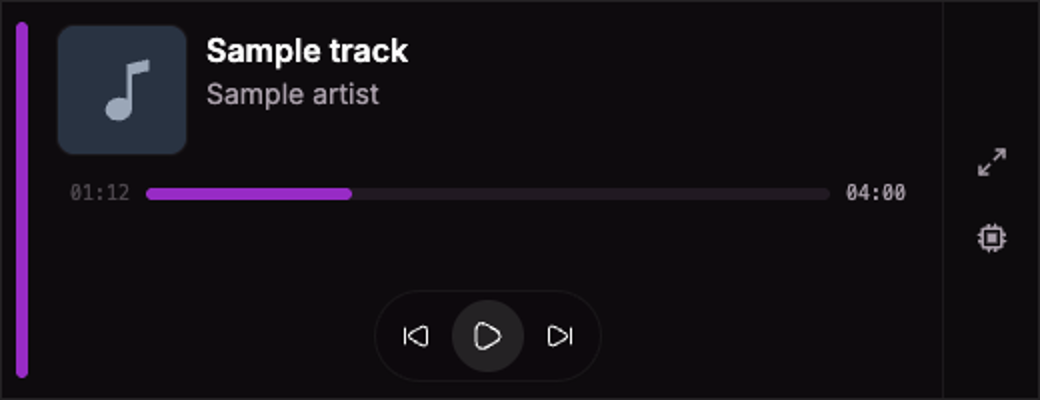
Current UI captured in an isolated session with sample data.
Click the Sweet Spot system tray or menu bar icon to open the compact now-playing popup.
Use playback controls, seek through the current track, like or dislike, and open the main window or Settings. Hover or drag the progress control to see a timestamp.
Keep it available
Enable Settings → Generic → Minimize to tray on close to keep Sweet Spot running after closing its window.
Use Pin to keep the popup on top and open after clicking elsewhere. When pinned, drag the accent pill to move it. Otherwise, click away or press Escape to dismiss it.
For a separate customizable playback window with skins, playlist, and equalizer panels, use Player mode.