


Equalizer
Shape playback with ten bands, presets, and automatic headroom.
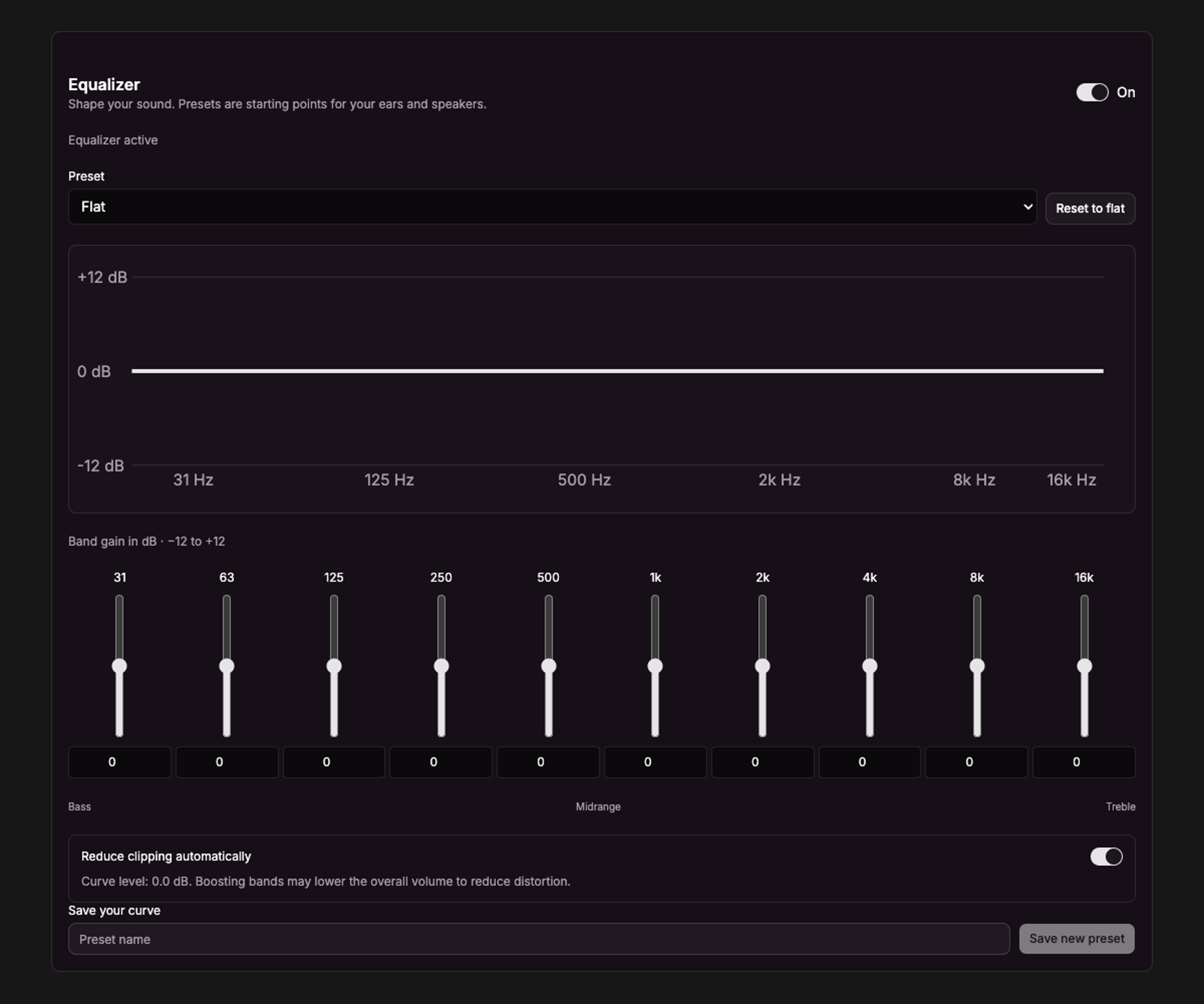
Current UI captured in an isolated session with sample data.
Open Settings → Player → Equalizer, or show the equalizer panel in player mode.
Adjust your sound
- Turn on the equalizer.
- Choose a preset or adjust the ten frequency bands.
- Leave automatic headroom enabled to reduce the level when boosts could clip.
The bands run from 31 Hz to 16 kHz, with −12 dB to +12 dB gain. Low bands shape bass, middle bands affect vocals and instruments, and high bands adjust brightness. The response graph includes the automatic level reduction.
Presets
Built-in presets are Flat, Warm, Bass Boost, Bass Reduction, Vocal Clarity, and Gentle Treble. Save a custom preset under a name you choose; manage it from the same panel.
The equalizer affects playback on this computer. Hiding the player’s equalizer panel keeps the current sound settings active. Disable the equalizer to bypass it.
Consistent volume and playback fades have separate controls and can work with the equalizer disabled.