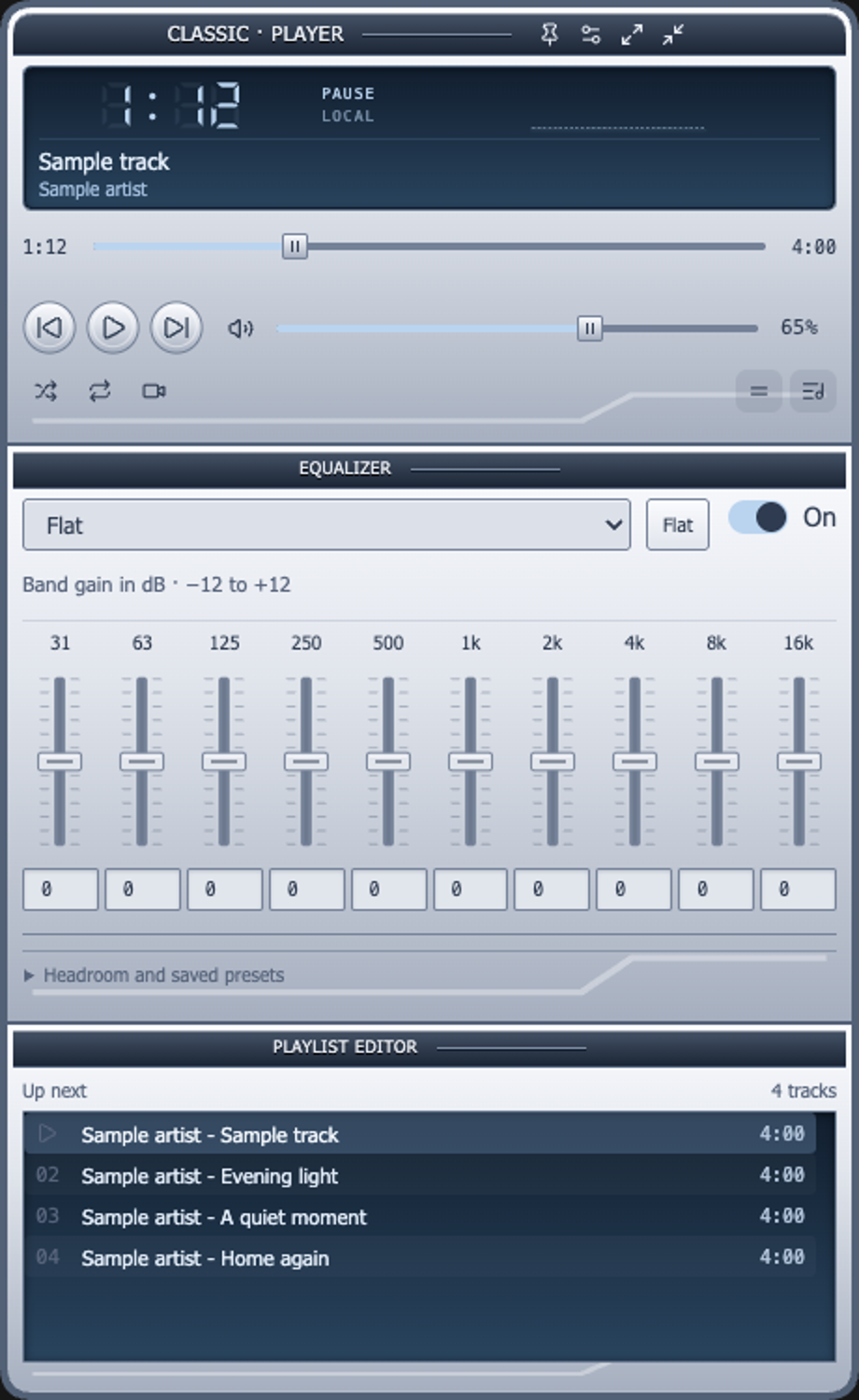


Player mode & skins
A dedicated player with seven built-in skins and customizable panels.
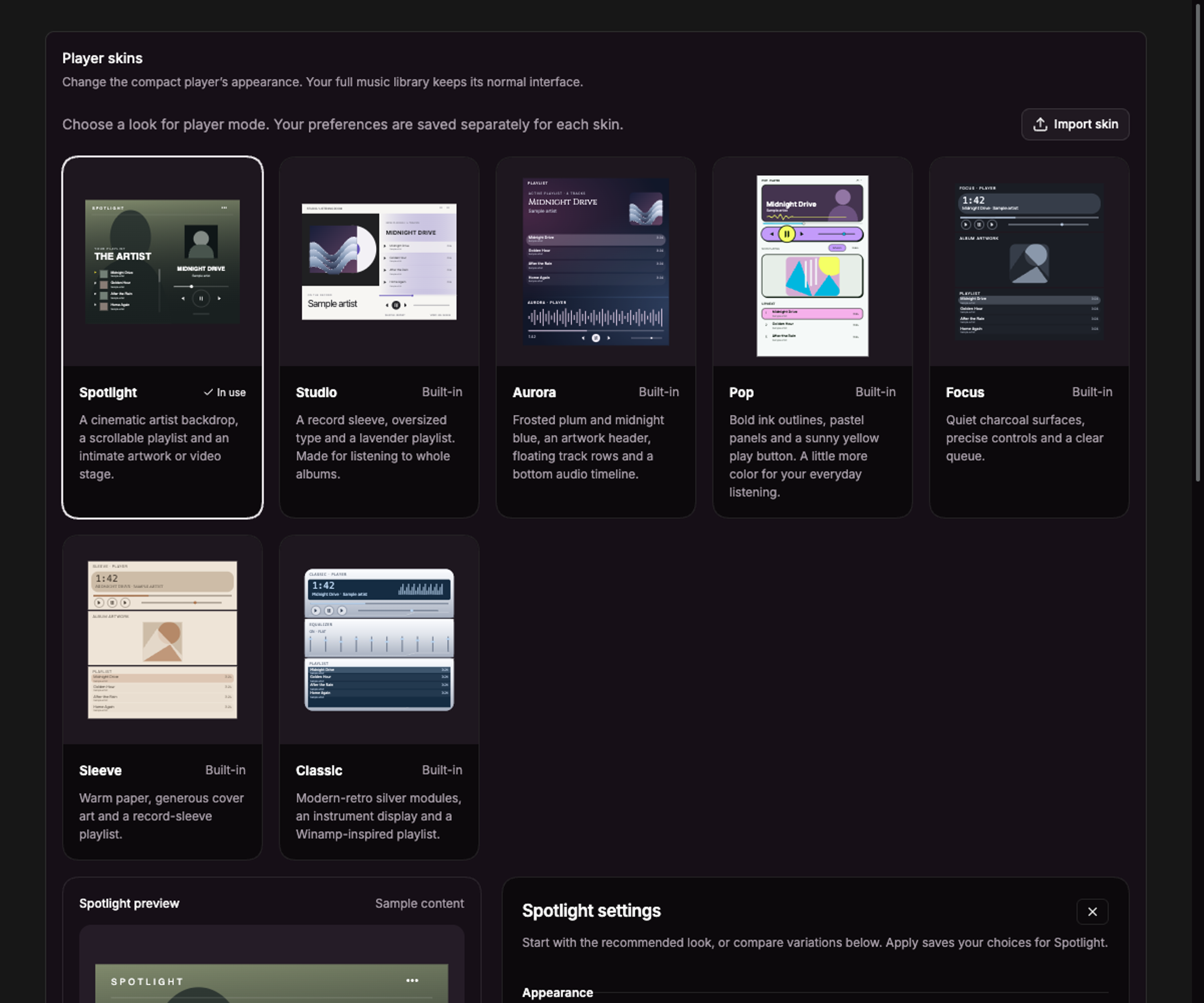
Current UI captured in an isolated session with sample data.
Player mode gives playback its own window, separate from the full YouTube Music interface.
Open the player
Click Player mode in the main window toolbar, or go to Settings → Appearance → Player skins and choose Open player.
Choose a look
The built-in skins are Spotlight, Studio, Aurora, Pop, Focus, Sleeve, and Classic. Choose one in the gallery. Each skin remembers its own preferences.
The selected skin has a preview with sample content. Change its controls, then choose Apply to save or Cancel to discard. Apply or cancel pending edits before selecting another skin.
Customize panels
Available options depend on the skin. They include colors and finishes, playlist spacing, artist names and durations, video, the equalizer panel, and a live spectrum. Hiding the equalizer panel does not disable audio processing. Audio-only tracks use artwork when video is unavailable.
Use the player controls to play, pause, seek, change tracks, shuffle, repeat, and change volume. Playlist controls support queue actions and reordering. Pin keeps the player above other windows; fullscreen gives the player more space.
Choose and customize the included skins in Settings. Importing and exporting skin packages is not available.
Player skins change the dedicated player. Themes style the full YouTube Music view.
See the built-in players
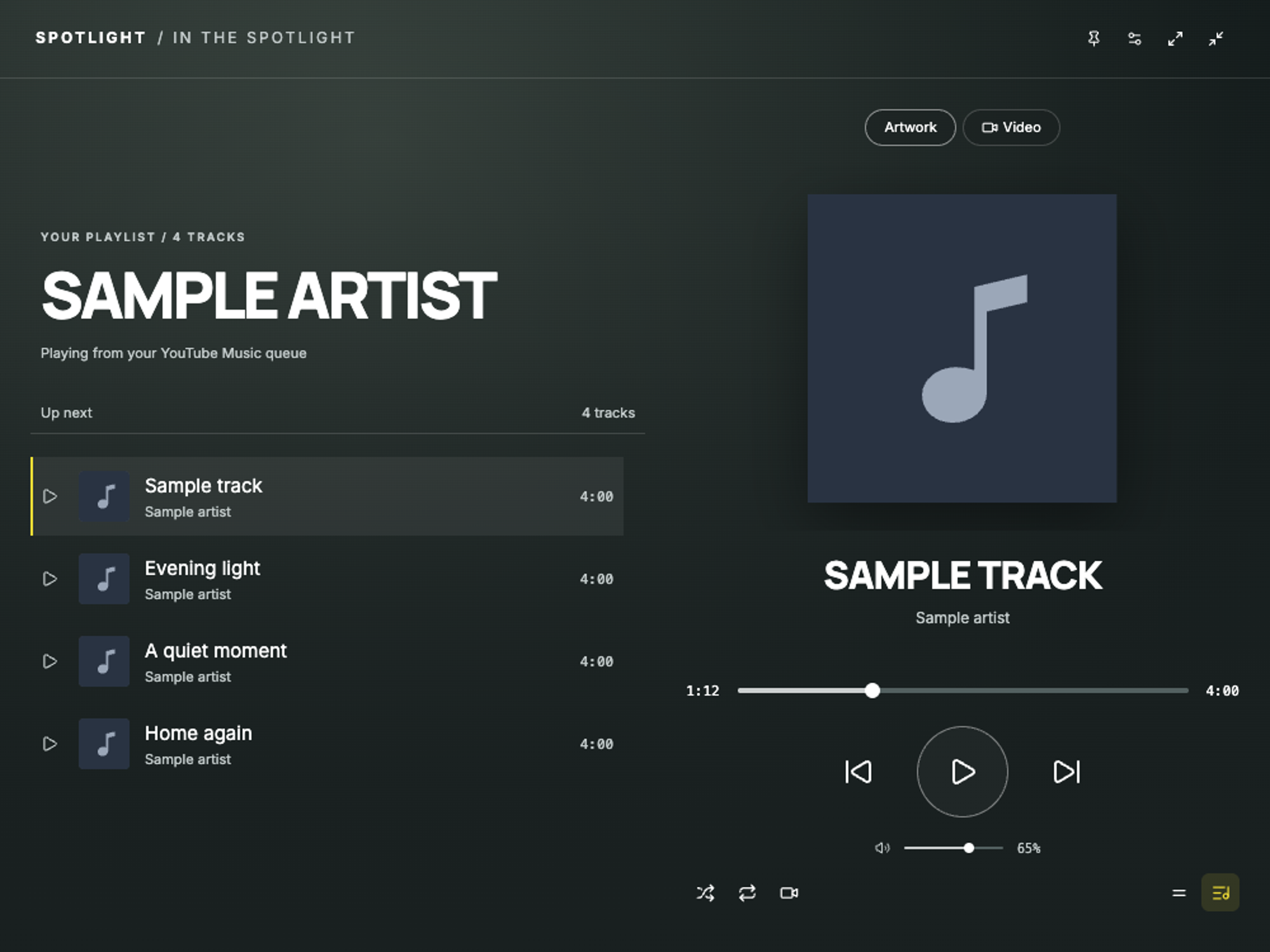
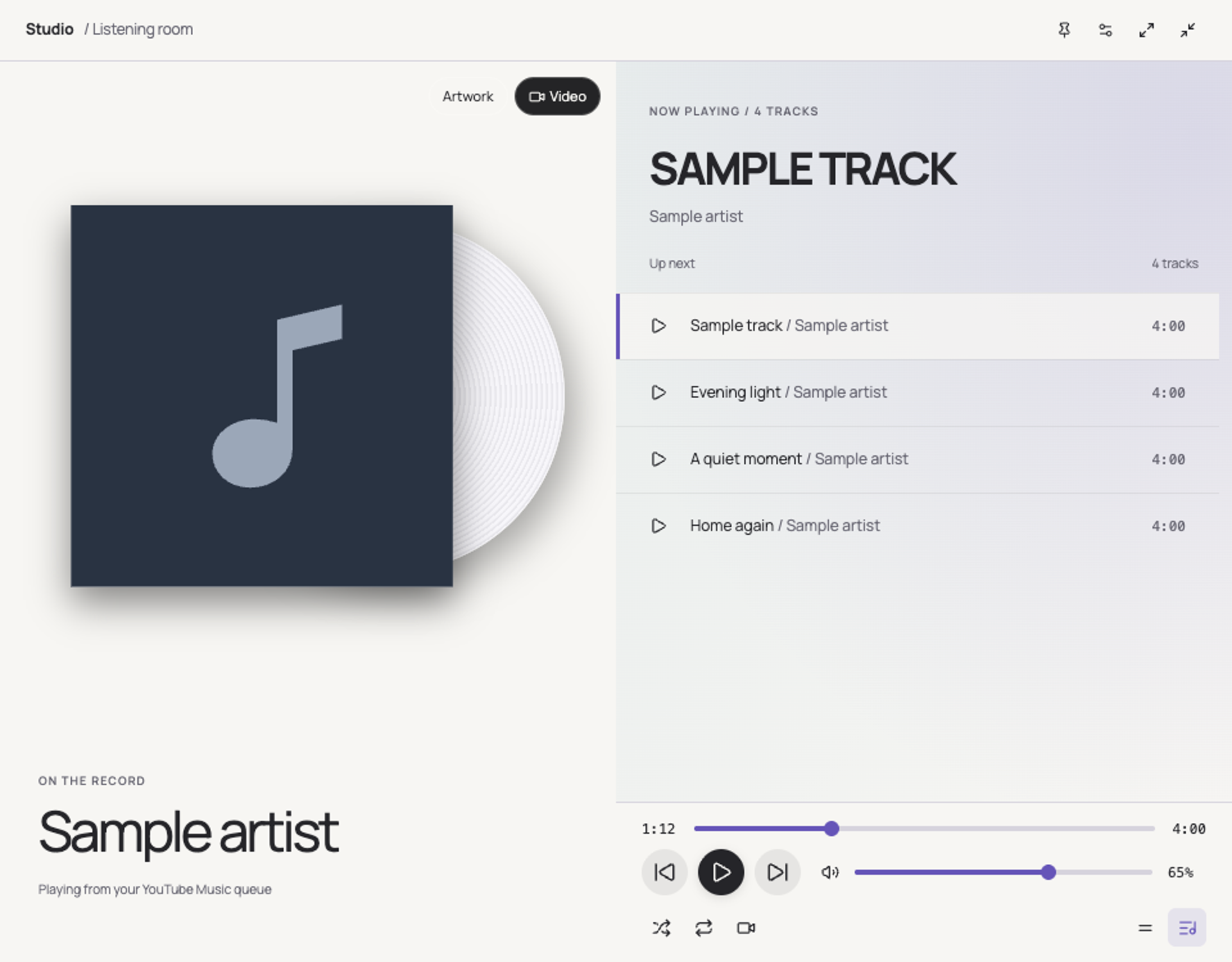
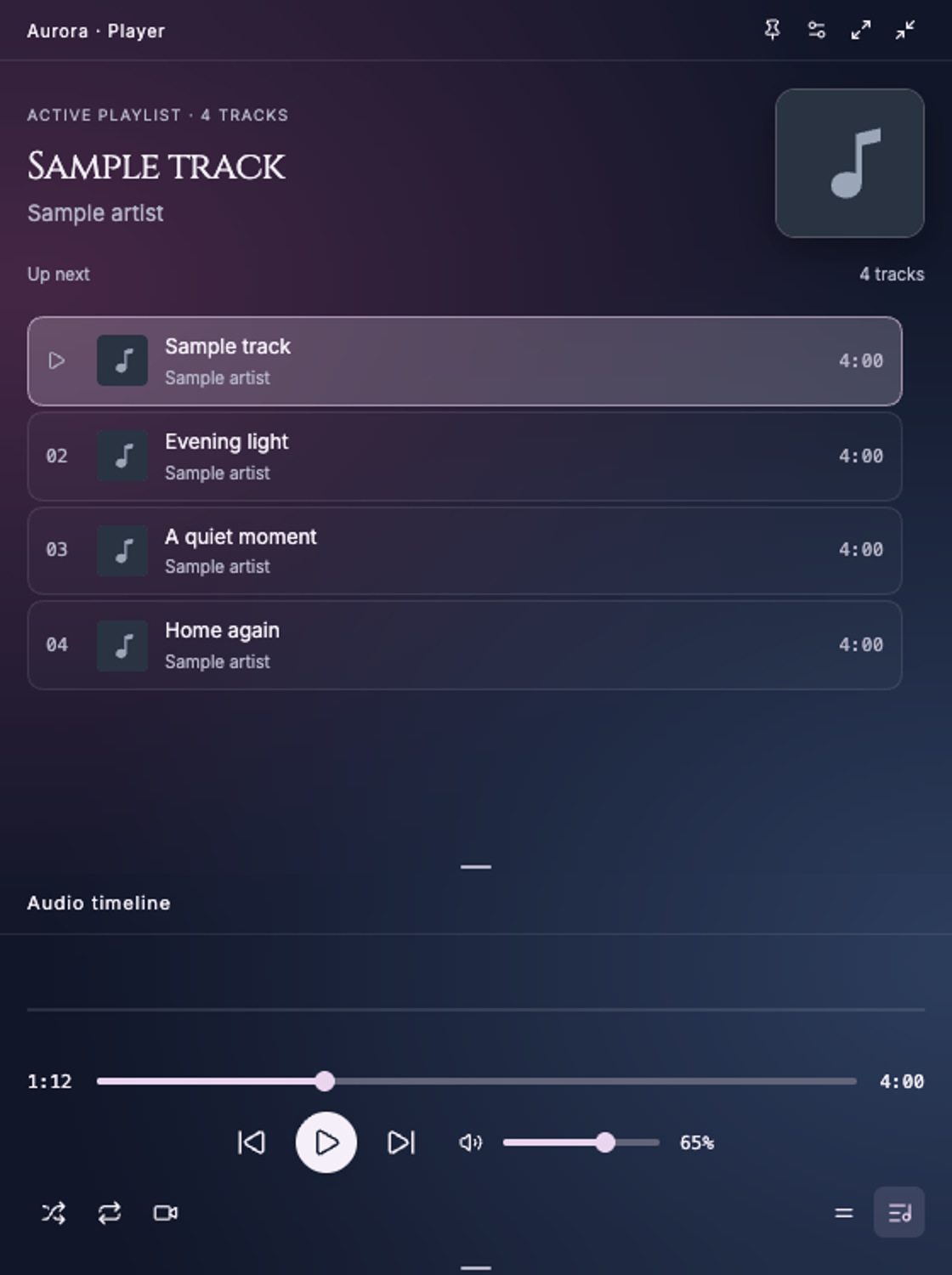
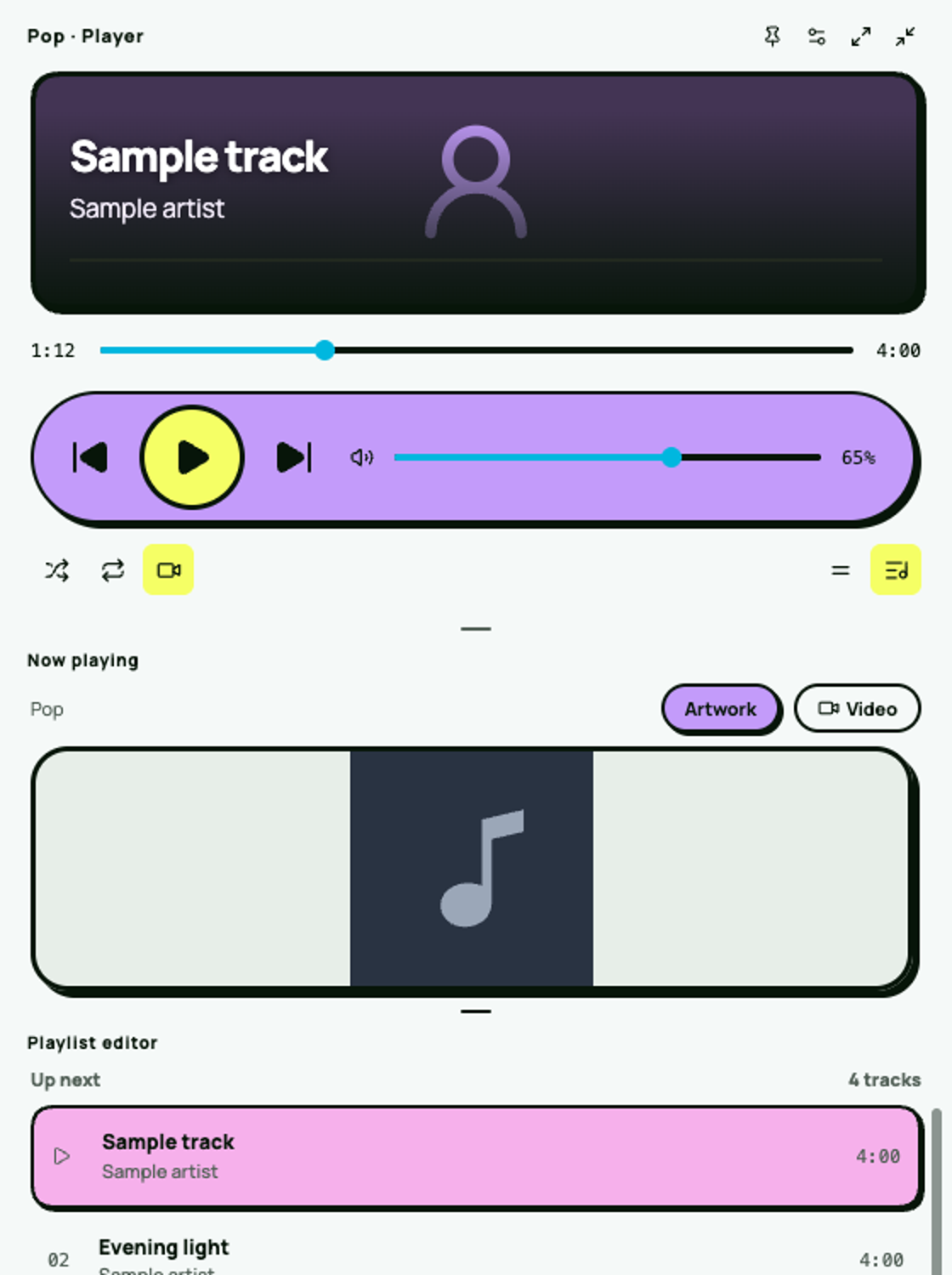
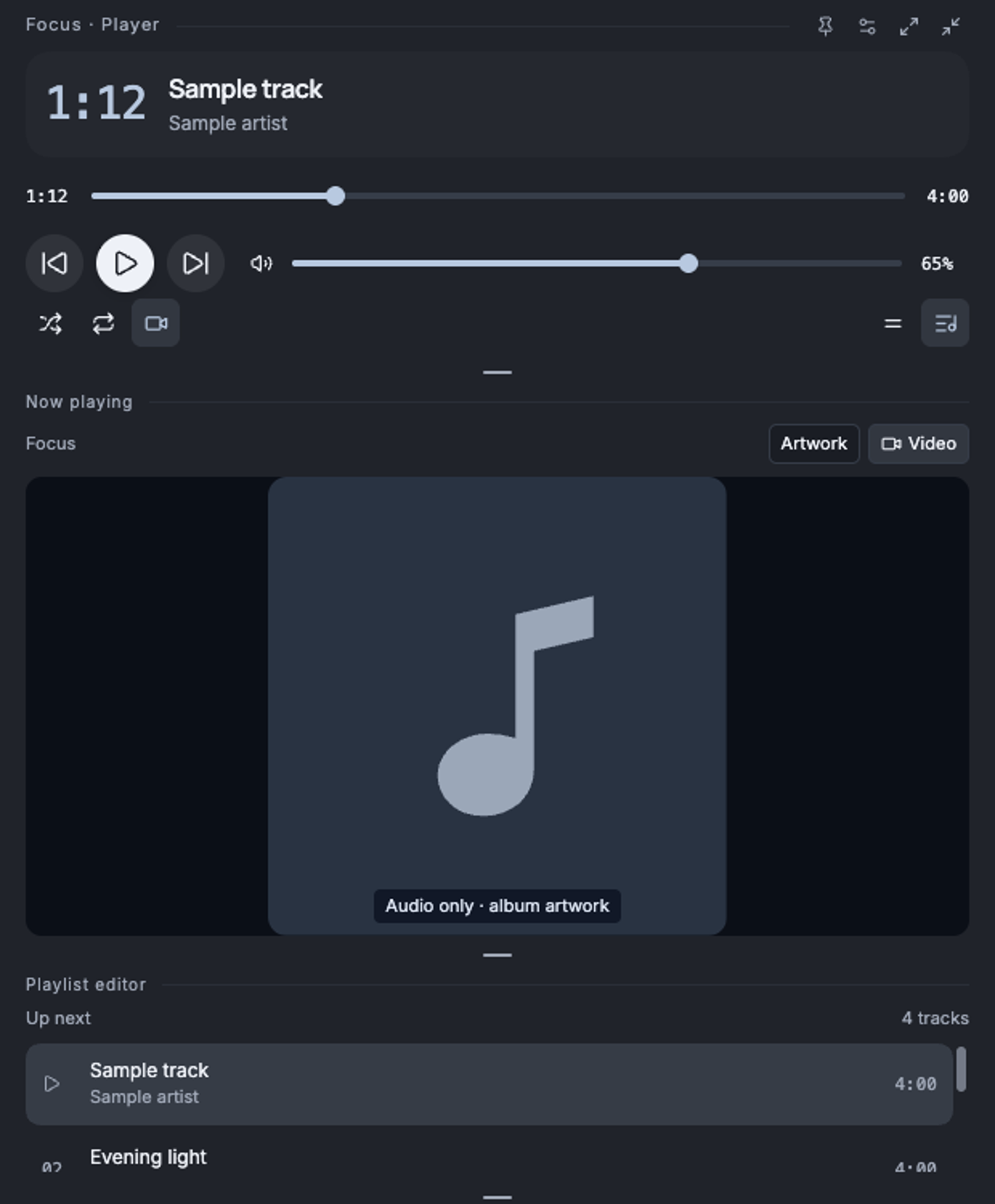
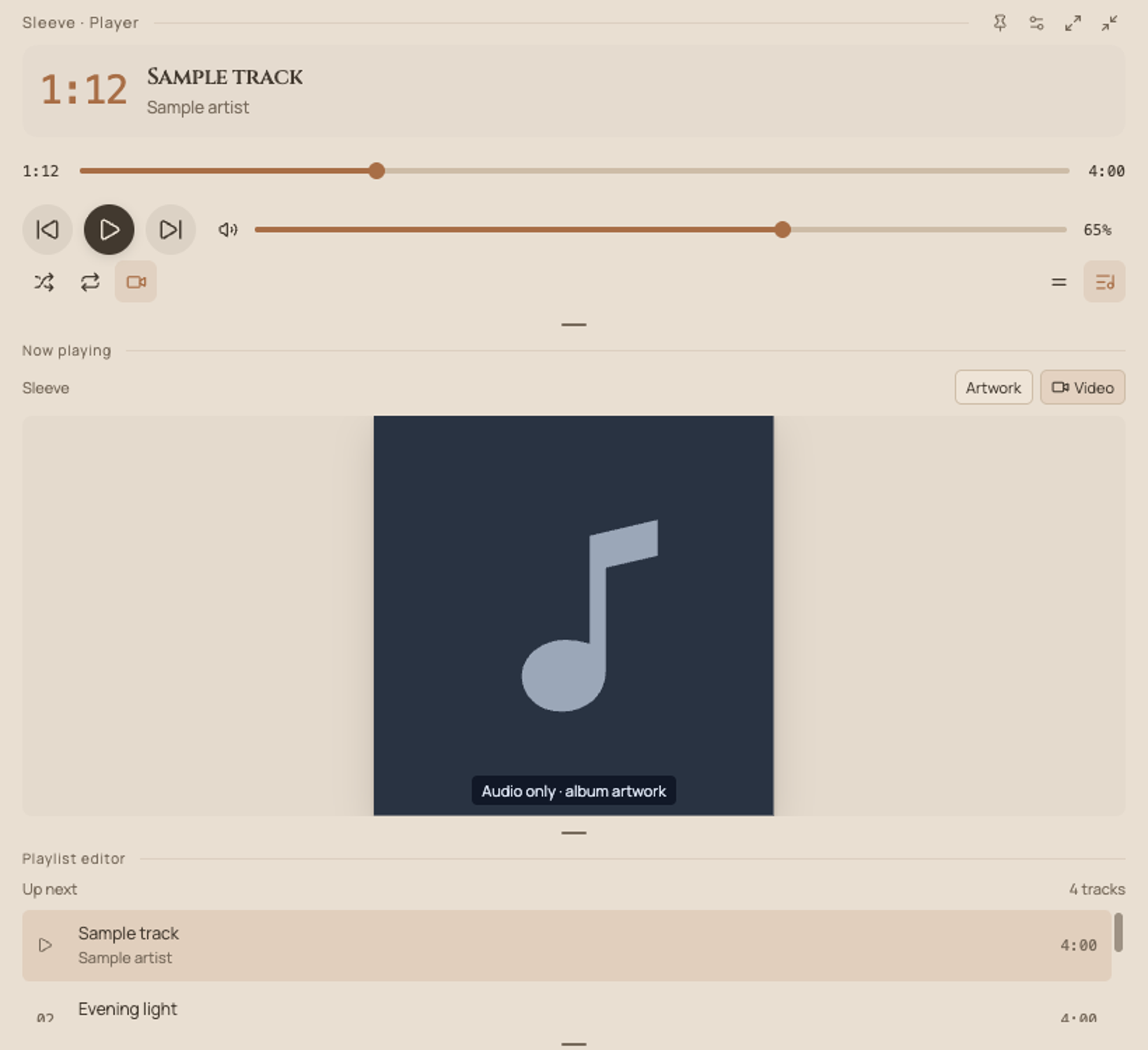
These captures use the current player components with sample track and playlist data.
Spotlight
Studio
Aurora
Pop
Focus
Sleeve
Classic